
OnlyFans creators rarely have just one page to promote. Most have a paid page, a free page, social media, a wishlist, a menu for custom content, maybe a Telegram channel, and often a backup account too. The problem is that most platforms only give you room for one link.
TikTok gives you a single bio link. Instagram still limits how much attention you can put on each link. X, Reddit, and Threads may bring traffic, but fans still need one place to go next. Constantly changing that one link depending on what you want to promote becomes frustrating fast.
That is exactly why link in bio tools have become so important for OnlyFans creators. Instead of choosing between your VIP page, your free page, your customs form, or your wishlist, you can place everything in one clean, organized page.
But not every link in bio tool works well for adult creators. Some platforms hide OnlyFans links behind warning screens. Others remove pages entirely if they include NSFW content. That means creators can spend hours building a page, only to lose it without warning.
In this guide, you’ll learn what makes a good link in bio tool for OnlyFans creators, which features actually matter, what problems to avoid, and why creator-friendly platforms like GetMy.Link have become a popular option.
Why OnlyFans Creators Need a Link in Bio Tool
For most creators, promotion does not happen in one place. A creator might post short teasing clips on TikTok, photos on Instagram, longer thoughts on X, and answer messages on Reddit or Telegram. But eventually, all of that traffic needs somewhere to go.
Without a link in bio tool, creators usually end up constantly replacing the one link in their profile.
One week it leads to a free OnlyFans page. The next week it leads to a custom content form. Then it gets changed again to promote a sale, a new VIP account, or a Telegram channel. Fans who click an old post often end up on the wrong page or cannot find what they expected.
A link in bio tool solves that problem by keeping everything in one place.
Instead of forcing fans to search, a creator can give them one simple destination with clear options such as:
- Free OnlyFans page
- VIP page
- Custom content request form
- Wishlist
- Telegram or Snapchat
- Backup account
- Tip menu
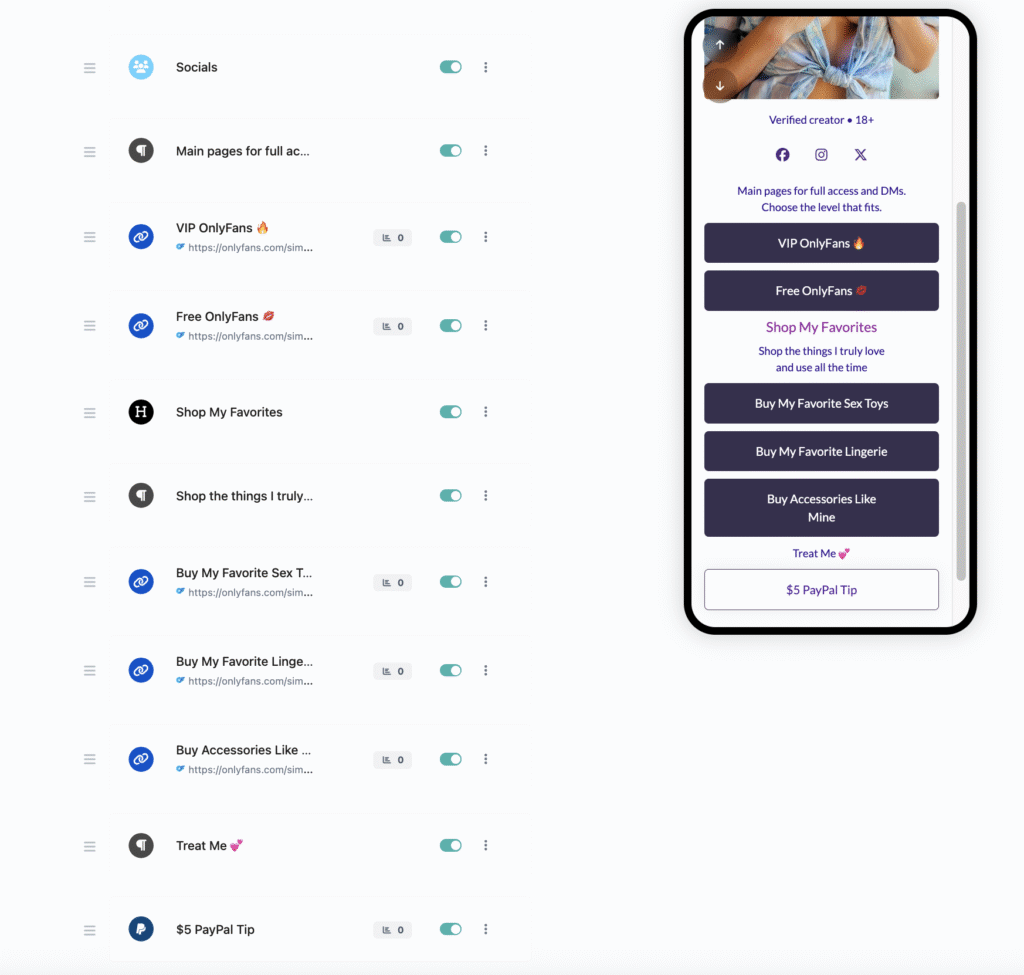
This is especially useful for creators who run both a free and a paid page. New fans often are not ready to subscribe right away. Sending them first to a free page gives them a chance to become familiar with the creator before moving to the VIP page later.
It also makes promoting customs much easier. A creator can place a clear “Request Custom Content” button directly on the page instead of asking fans to message for prices and details.
The same is true for wishlists, sexting menus, GFE packages, and private chats. Everything becomes easier to find and easier to buy.
Pro Tip: Try to keep one permanent bio link everywhere – on TikTok, Instagram, X, Reddit, and even older posts. That way fans always land in the same place, even if you later change what appears inside the page.
What Makes a Good Link in Bio Tool for OnlyFans Creators?
Not every link in bio tool is useful for OnlyFans creators. Some are too limited. Others are not built for adult content at all. A creator may end up with a page that looks generic, hides important links, or gets removed without warning.
The best tools usually have a few things in common.
First, they need to be adult-friendly. That sounds obvious, but it matters more than anything else. Many mainstream bio link tools quietly limit pages that include OnlyFans, Fansly, or explicit content. Some place warning screens in front of the page. Others suspend the account completely.
For creators, that can mean losing the link in every social media bio overnight.
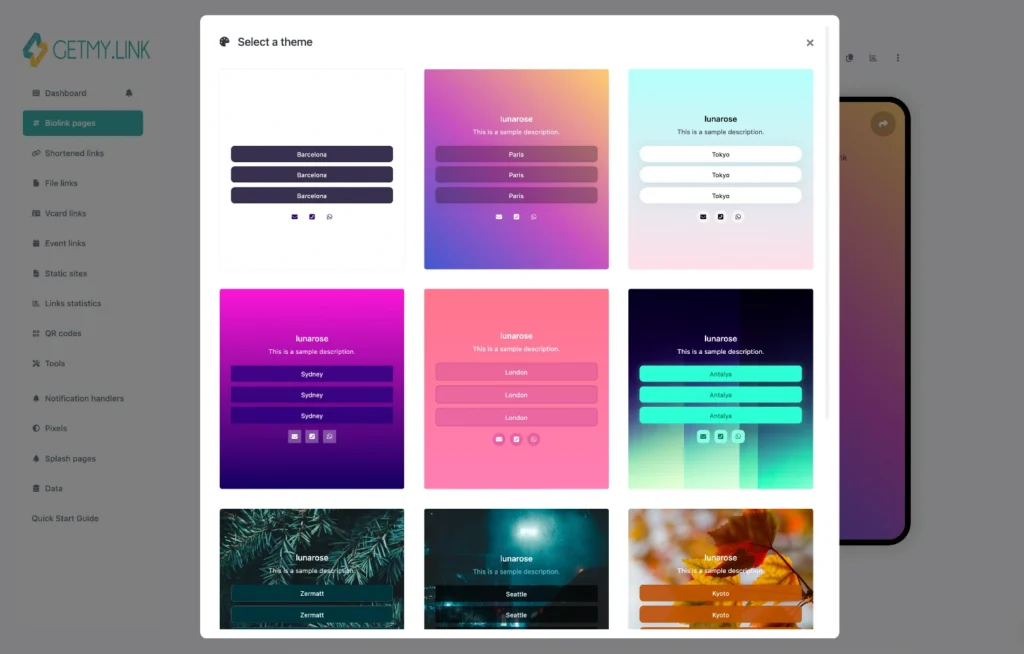
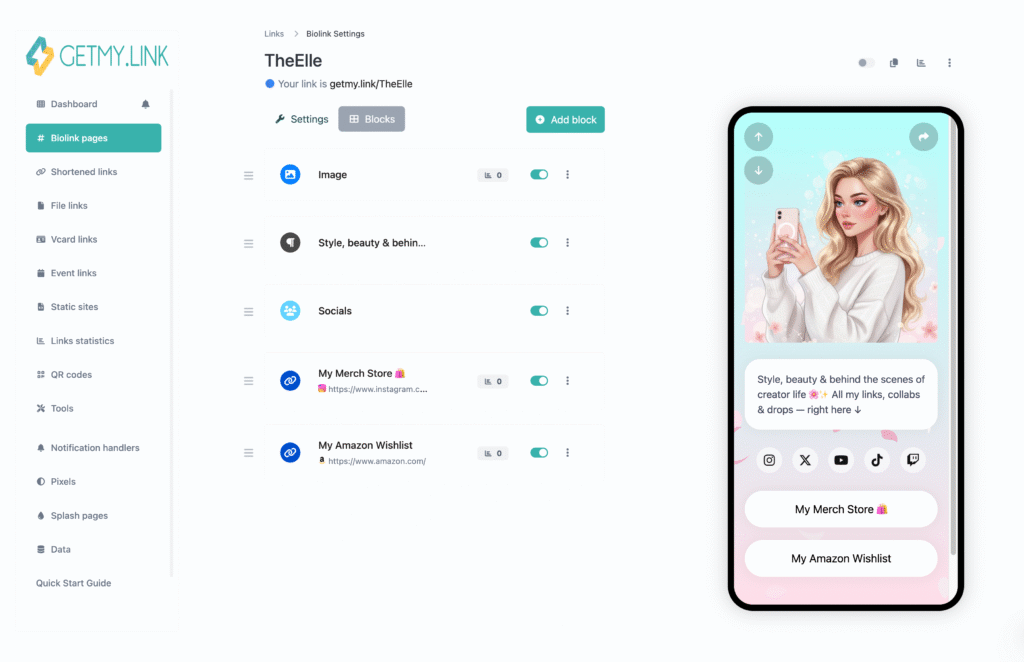
Customization is important too. A bio page should not look like the same template everyone else is using. Fans are much more likely to click when the page feels like part of the creator’s brand.
A creator with a soft girlfriend aesthetic may want pastel colors, selfies, and a playful headline. A fetish or domination creator may prefer something darker and more direct. The page should match what fans expect before they even click the next button.
Analytics are another feature that matters much more than most creators realize.
A good tool should show:
- Which link gets the most clicks
- Where traffic is coming from
- Which platform sends the most paying fans
- Which button fans ignore
For example, a creator might discover that TikTok sends more visitors, but Reddit sends fewer visitors who subscribe more often. That changes how and where it makes sense to promote.
Shortened links are useful too. A simple link like: yourname.getmy.link looks much cleaner than a long URL full of random letters and numbers. It is easier to place in bios, captions, story stickers, QR codes, and even on printed content.
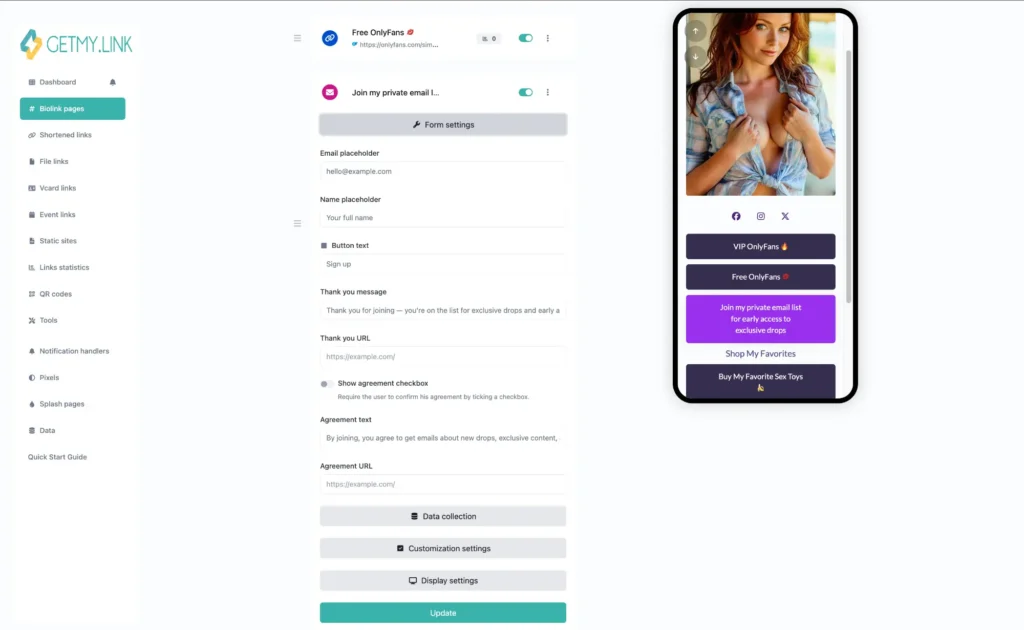
Some creators also benefit from email capture. Social media accounts can disappear at any time. Instagram gets flagged. TikTok removes a profile. X loses reach. But an email list belongs to the creator.
A strong bio page can offer something small in exchange for an email address, such as a teaser photo set, a free video, or early access to a sale.
Finally, QR codes and mobile-friendly links can make a surprisingly big difference. Since OnlyFans works through a browser, creators need links that open cleanly and quickly on mobile. QR codes also make it easier to move fans from printed content, livestreams, or other platforms directly to the right page without making them type anything manually.
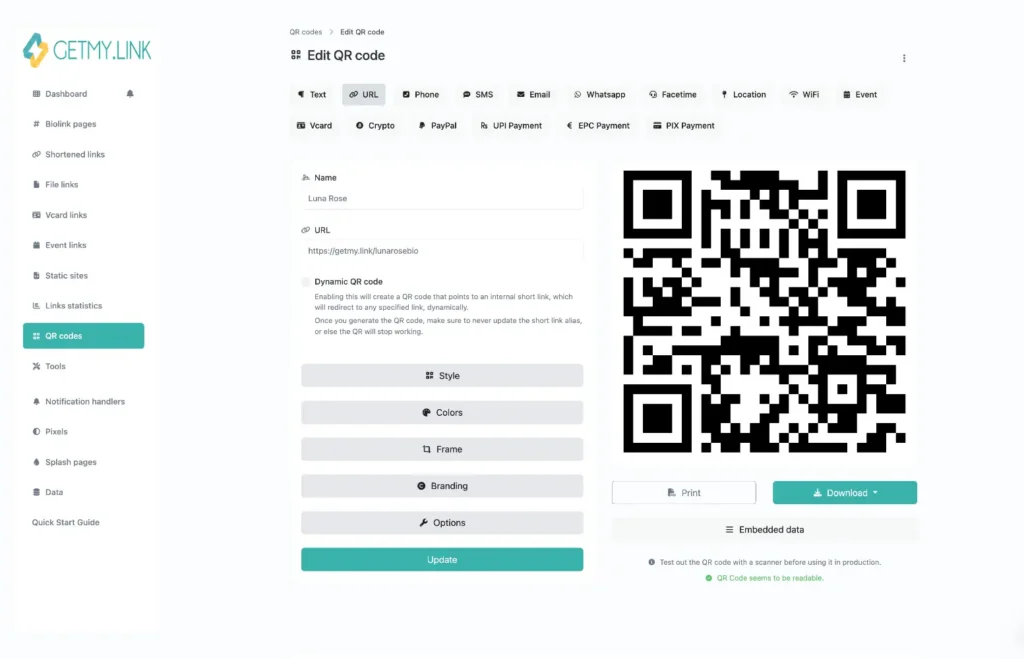
Pro Tip: One of the useful things about GetMy.Link is that it is built with mobile traffic in mind from the start. That matters because most fans click bio links from their phones, not from desktop. A page may look fine on a large screen, but what really matters is how fast and clearly it works on mobile.
The Biggest Problems With Traditional Link in Bio Platforms
A lot of creators start with the most obvious option. They pick a mainstream link in bio tool, add a few buttons, and assume that is enough. At first, it may seem fine. The page works, the links are visible, and everything looks simple.
The problems usually show up later.
One of the biggest issues is that many traditional platforms are not built for adult creators. A page may be flagged for linking to OnlyFans, hidden behind a warning screen, or removed altogether. Even when the platform does not ban the page right away, it can still make the path harder for fans by adding extra friction between the click and the destination.
That matters more than it seems. The more steps a fan has to go through, the more likely they are to leave.
Another common problem is that many generic bio link pages all look the same. A small profile image. A short bio. A stack of identical buttons. That may be enough for a lifestyle blogger or a coach, but it is not ideal for a creator whose page needs to build curiosity, trust, and desire in just a few seconds.
OnlyFans creators often need more control over the way the page feels. A soft, flirty creator and a domme should not have the exact same link layout and visual tone. When the page looks too generic, it does not support the creator’s brand very well.
Analytics can also be too shallow on traditional tools. A creator may see overall clicks, but not get enough useful detail to understand what is actually working. That makes it harder to tell whether fans are responding to the free page, the VIP page, a custom menu, or a wishlist link.
There is also a structure problem. On many basic platforms, every link looks equally important. That means fans are left to decide on their own where to go first. Some will click the wrong thing. Some will hesitate. Some will leave without clicking anything at all.
Pro Tip: A strong bio page should guide attention, not split it. The goal is not to show fans everything at once. The goal is to make the next click feel obvious.
How GetMy.Link Works Differently for OnlyFans Creators
This is where creator-focused tools start to make more sense.
GetMy.Link is not just a page where creators drop a few buttons and leave it at that. It gives much more control over how traffic is organized, how the page looks, and what fans do next after they land there. For OnlyFans creators, that matters because promotion usually involves more than one offer.
A creator may want to send new visitors to a free page first, returning fans to a VIP page, and serious buyers to a customs form. Trying to manage all of that with one plain list of links is not very effective.
GetMy.Link makes that setup easier by letting creators build pages that feel more like mini landing pages than simple link lists. The layout can be branded, structured, and adjusted based on what the creator wants to push most. That means the page can feel like a natural extension of the creator’s style instead of a generic stop in the middle.
One useful feature is the ability to create different pages for different traffic sources. That gives creators much more control over how they speak to fans coming from different platforms.
For example, traffic from TikTok often needs a softer transition. Those visitors may respond better to a page that leads with teasing content, a free page, or a lighter call to action. Reddit traffic may be warmer and more direct, so that page can focus more heavily on the paid offer. Instagram traffic may need something cleaner and more brand-safe in the wording, while X traffic can usually handle a more explicit setup.
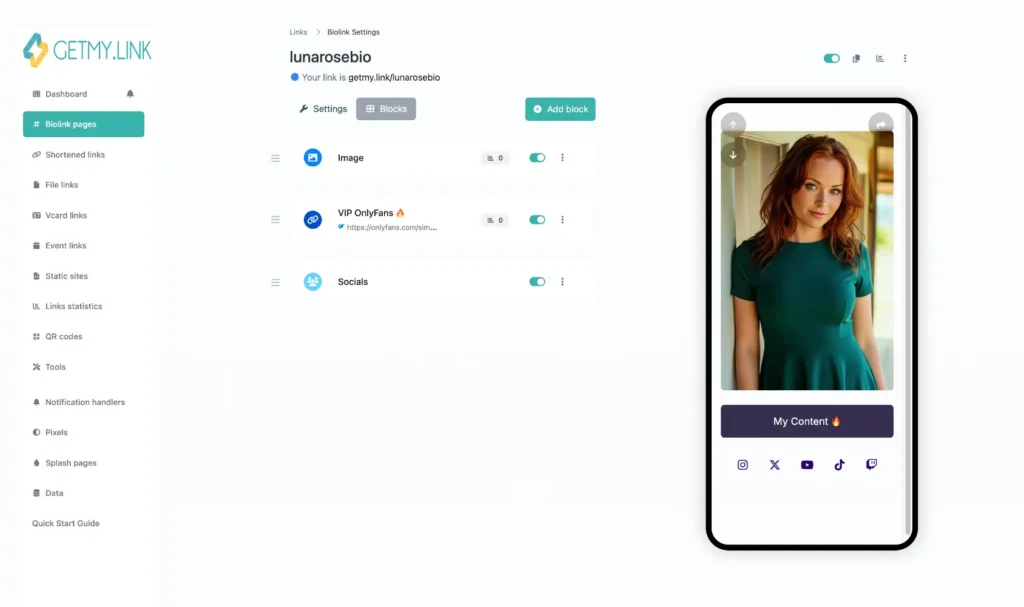
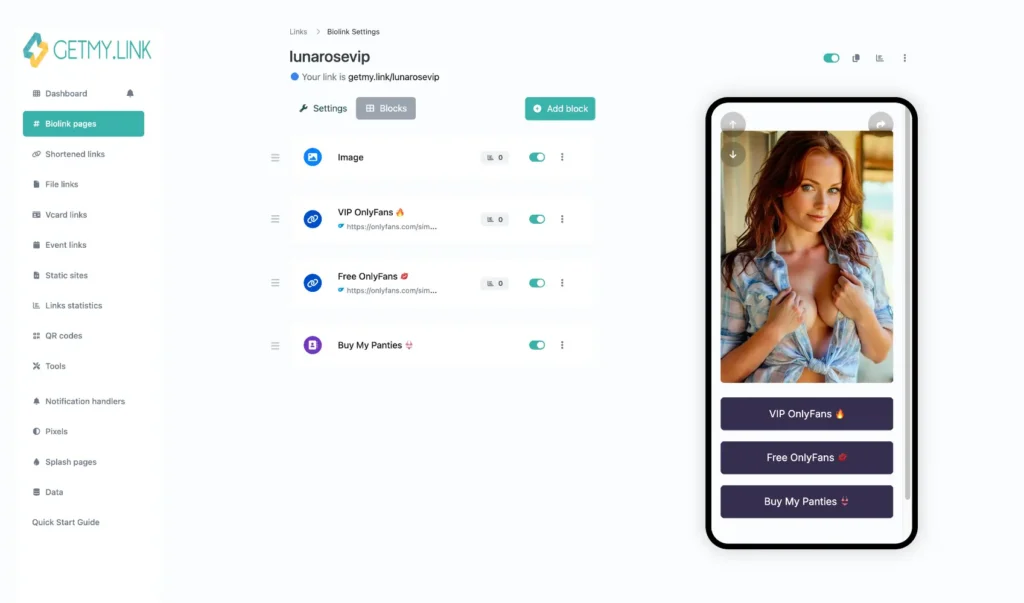
Instead of sending everyone to the exact same page, creators can match the page to the source.
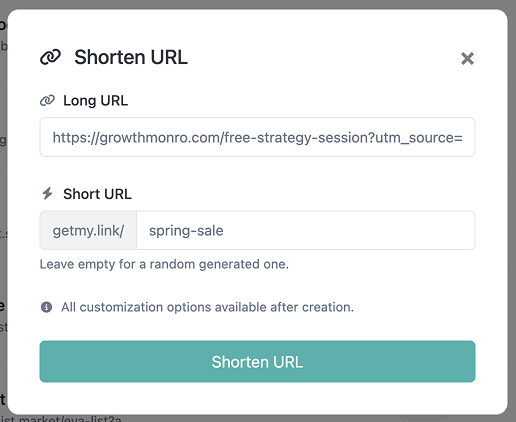
GetMy.Link also includes shortened links, which helps keep bios and captions cleaner. That sounds small, but it matters. A short, simple link looks more trustworthy, takes up less space, and is easier to reuse across different platforms.
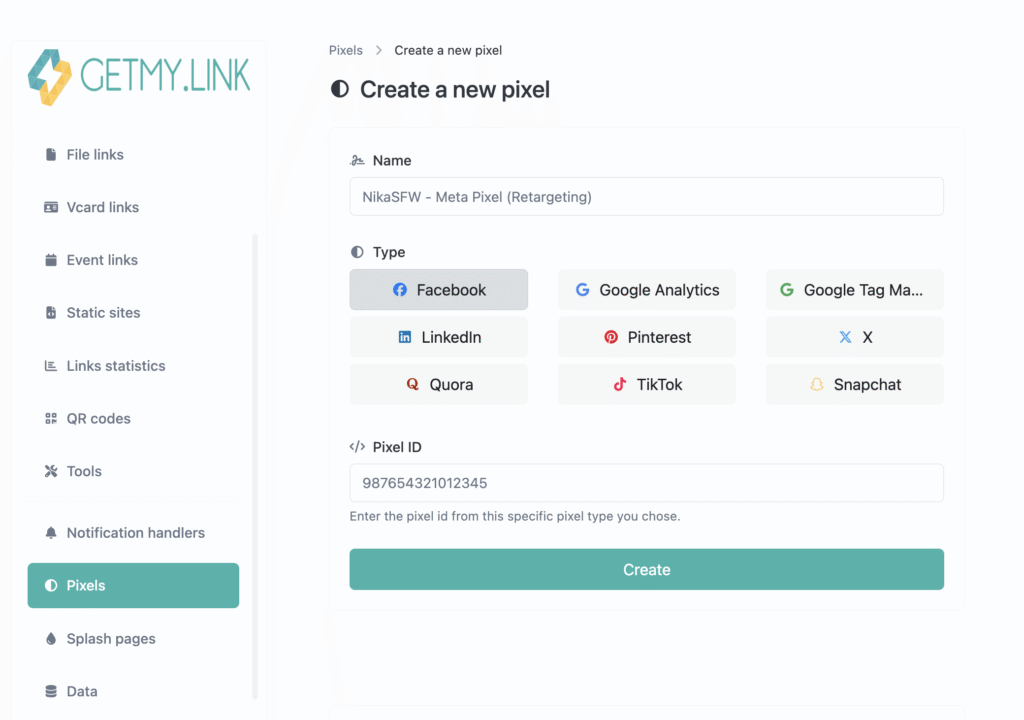
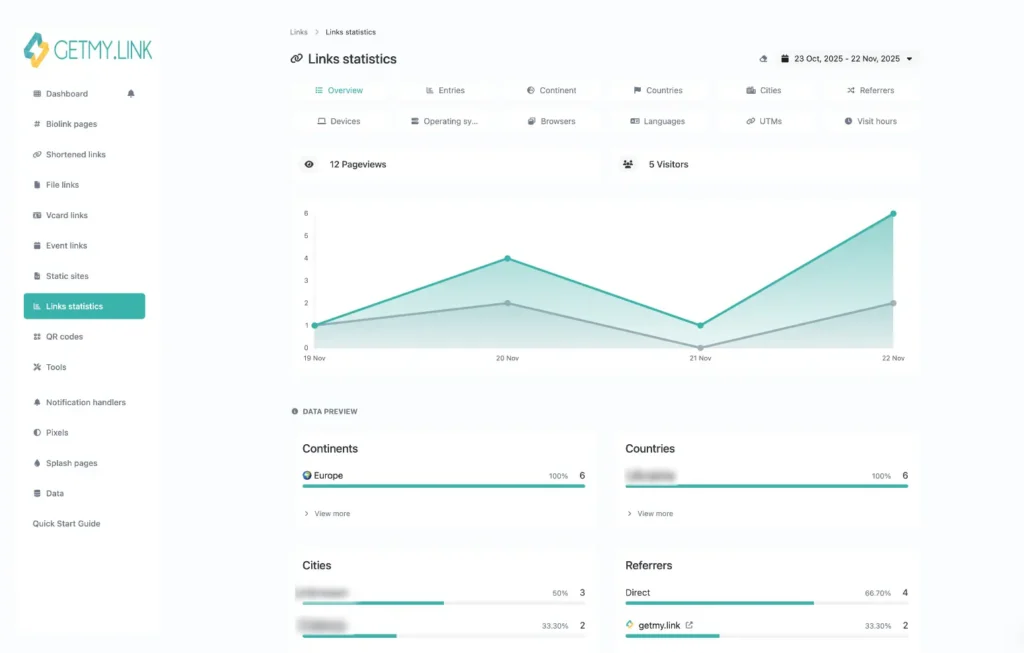
Another strong feature is support for tracking pixels and analytics tools. That helps creators see which traffic source is actually producing results. A page may get a lot of clicks from one platform and very few from another, but the smaller traffic source may be the one bringing better subscribers or more custom buyers. Without tracking, that difference is easy to miss.
Custom forms are another practical advantage. A creator can build a clear path for custom content requests instead of handling every inquiry through DMs. That makes the process feel more organized and saves time on repetitive back-and-forth messages about prices, boundaries, and delivery.
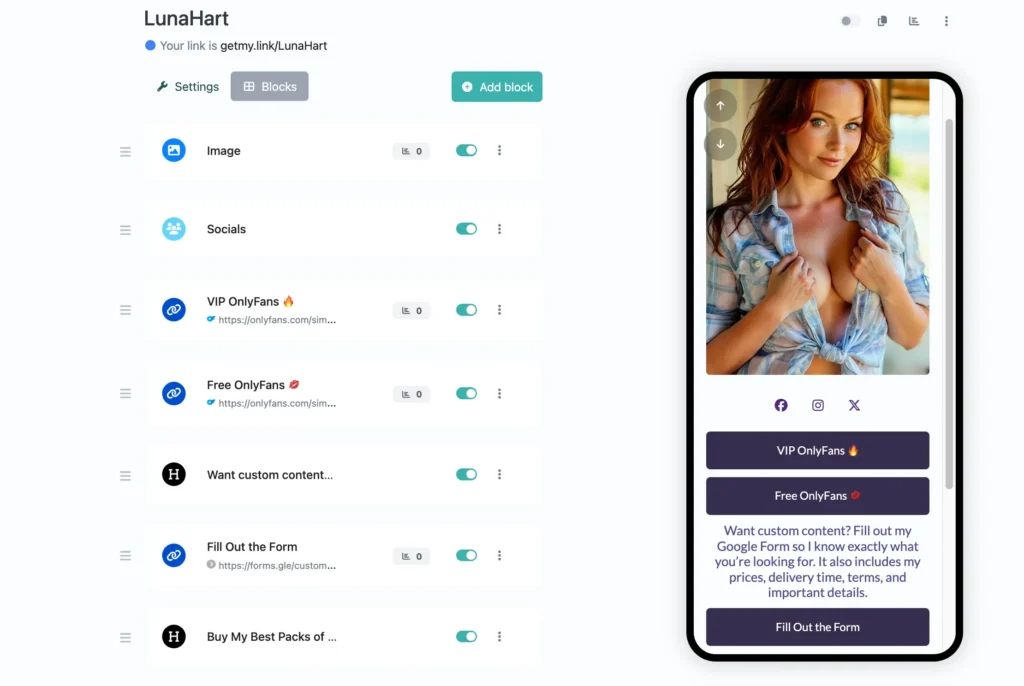
GetMy.Link can also be used for more than subscriptions alone. Creators can link digital products, direct fans to separate offers, and build a setup that supports more than one income stream. That is especially useful for creators who want their page to do more than just send traffic to OnlyFans.
Pro Tip: The more offers a creator has, the more important page structure becomes. A page with a clear order usually converts better than one that gives every link the same weight.
How to Structure Your Link in Bio Page So Fans Actually Click
Having the right tool is only part of the job. The way the page is structured matters just as much.
A lot of creators make the same mistake. They add every link they have, stack them one under another, and hope fans will figure it out. In reality, too many equal-looking options usually reduce clicks instead of improving them.
The page should feel clear from the first second.
Start with your main goal. Ask yourself what you want most visitors to do. Maybe you want them to join your paid page. Maybe you want cold traffic to start with your free page first. Maybe customs are your highest earner, so you want that request form near the top.
Whatever the goal is, place that link first and make it the most visible action on the page.
After that, guide fans naturally toward the next best options. A simple structure often works better than a crowded one. For example, a creator might place the paid page first, then the free page, then customs, then wishlist, and finally backup socials or Telegram lower down.
It also helps to separate links by purpose instead of mixing everything together.
A page usually works better when fans can immediately understand the difference between sections such as:
- Subscribe
- Custom content
- Extra ways to support
- Stay connected
This makes the page easier to scan and reduces hesitation.
Wording matters too. “VIP OnlyFans” is clearer than “Main Page”. “Request Custom Content” works better than something vague like “More”. Fans should know exactly what they will get before they click.
It is also smart to keep the page fairly short. Most fans are opening it on their phones. If they have to scroll too much, attention drops fast. The goal is not to include every possible destination. The goal is to include the ones that matter most right now.
Creators should also test what gets clicked. Sometimes the link you expect to perform best is not the one fans choose. A free page may get more taps than a VIP page. A wishlist may do better when moved lower. A custom form may perform better with more direct wording.
Small changes can make a real difference.
Pro Tip: Think of your bio page like a menu, not a storage box. Every link should have a reason to be there, and the order should gently push fans toward the action that matters most.
Conclusion
For OnlyFans creators, a link in bio tool does much more than hold a few links. It helps organize traffic, reduce confusion, and give fans a much clearer path from curiosity to subscription, custom order, or repeat purchase.
That matters because most creators are promoting more than one thing at once. There may be a paid page, a free page, a wishlist, a custom content form, a Telegram channel, and backup socials. When all of that is scattered across different places, fans drop off much more easily.
A good link in bio setup keeps everything connected in one mobile-friendly space. An even better one gives creators more control over branding, structure, analytics, and the way different traffic sources are handled.
That is why tools like GetMy.Link are becoming more useful for adult creators. The page is not just there to collect links. It becomes part of the creator’s funnel, part of the brand, and part of the sales process too. When it is structured well, one simple link can do a lot more work.
Leave a Reply